The internet has turned the world into an interconnected large space where borders, as we know, do not exist virtually, but language barriers surely still do. Even if global borders truly vanish, languages and cultures are here to stay, and if you don’t deliver your message clearly, it gets lost or misinterpreted. 😓
"Everyone speaks English" is a myth that costs you money in the long run. Global expansion is the goal of nearly every digital business, and it pays to prepare for localization even if it's not a priority right now.
Whether your audience speaks Swedish, English, Japanese, or another language, each requires content adapted to their traditions, symbols, and formats. An app, software, or website carrying your brand values should be optimized for the different audiences you are trying to win as customers and there are several ways to prepare localized versions of your digital product.
✔️ Reaching broader markets is as challenging as it is worthwhile. Since you already have the global vision, the tools and the process are all you need.
So, let's try to brainstorm a step by step strategy here, shall we?! 😉
👁️🗨️ Translating your vision
Moving your content into another language means adapting your product or service for a wider audience. Before you start, make sure you have a clear "why" as it'll keep the whole process focused and answer the core questions like:
- What’s the goal you are trying to achieve with localized content?
- Who are you trying to reach?
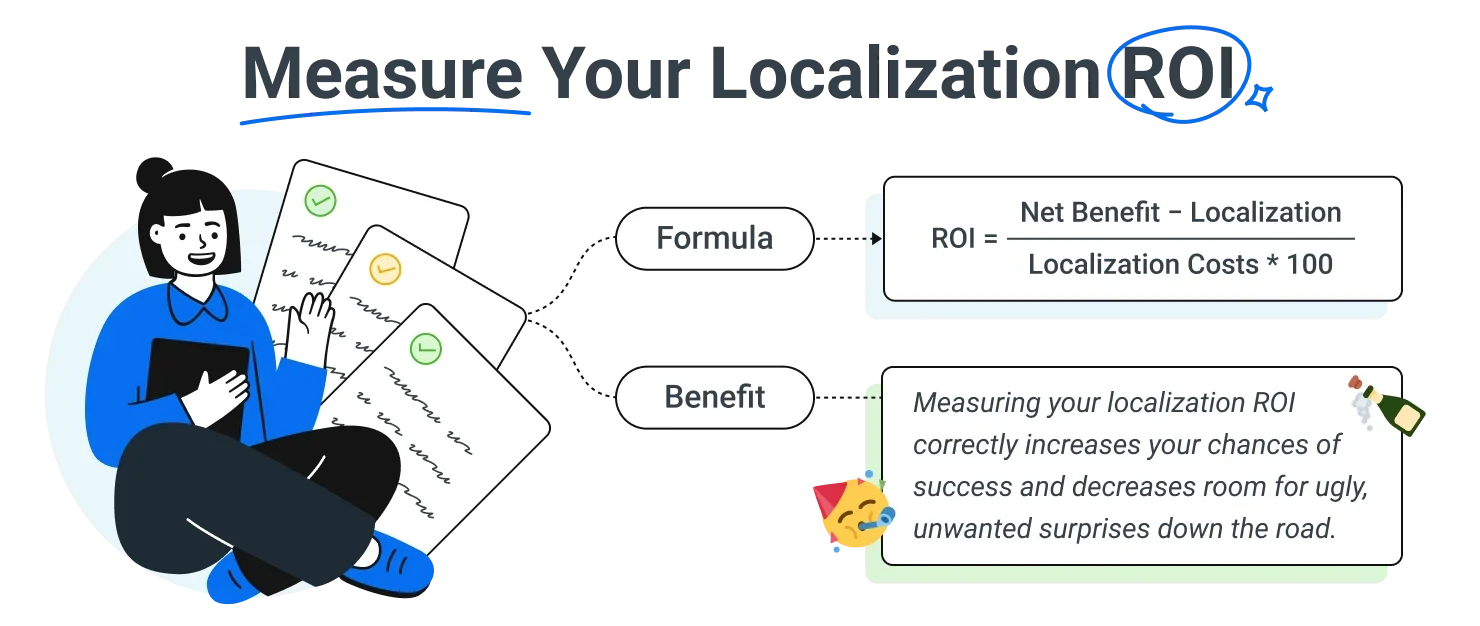
Getting clear on your goals matters because localization costs money. Spend without clear targets, and you risk seeing nothing for it. Building a multilingual website means investing in resources that go to waste if there's no clear purpose behind them.
📍 So, can you answer these questions?
- What's the main driver for adding more languages?
- Which language deserves attention first (and how do you decide)?
- What's your ideal cost/value ratio?
- Can you support the increased international demand?
Once you've answered these, get familiar with the processes your content needs to go through to work across multiple languages. (Don't forget multilingual SEO if you want your site to rank well.) 🤓
🎧 Curious about the bigger picture of SEO in the age of AI? Check out our Bridging the Gap podcast episode with Michal Pecánek for insights that go beyond multilingual optimization
🎓 Internationalization - localization - translation
Translation, localization, and internationalization often get confused, but they’re all distinct processes that work towards the same goal of making your website multilingual. None of them replaces the others. They work together to get there.
Translation is the process of adapting content from one language to another. For businesses or individuals who serve multilingual markets, translation is crucial to reach more people. Many kinds of media can be translated from papers, books, and even street signs. However, the sheer volume of content the digital world demands has made digital translation the dominant use case. This is the type of content we are focused on. 🧑💻
Internationalization (i18n) is the process of building a website, app, or software so it can support localized content. It's usually handled by the team building the product, not the translation provider, and it happens during development. It involves preparing the design, code, and interfaces to support additional languages without needing to rebuild the product later. 🎨
Localization (l10n) is concerned with what happens after the product’s functionality is finalized. It adapts words, phrases, and interface elements, the ones internationalization made localizable in the first place, for other languages. Then, localization is concerned with the actual translation/transcreation and adaptation of the content according to the culture, language, and market jargon used in a certain locale. 📍
🌍 Choose a CMS with proper i18n support
Content management systems vary widely in what they offer, and not every CMS handles internationalization equally well. If you're building a multilingual website, it's worth evaluating a CMS specifically for how well it supports that process. 🧑💻
Of course, it must have all the features needed to match your actual business needs, not just the translation process. The best CMS for you depends on what your users need to do on your site (browse, buy, submit information) as much as it depends on translation support.
When you consider different CMS options, keep these questions in mind:
- ✅ How securely is translated content stored?
- ✅ Does the CMS support the internationalization process well?
- ✅ How upgradeable and scalable is it?
- ✅ Does it support region-specific forms and time zone-aware scheduling?
Remember that our goal is always to find an optimal affordable solution that gets the job done without constant friction. The translation is just the tip of the iceberg, as most of the hard work goes into the structure and systems behind it.
Not sure if your current CMS is up to the job? Simple. Search for “i18n plugin for [your CMS]” or "[your CMS] localization plugin," and you’ll see the available plugins to assist in making your website multilingual.
🔖 Related read: You can just build things. But should you? The build vs. buy debate in localization
🧰 Content management systems for building multilingual websites
Selecting the right CMS doesn’t have to take hours and hours of research. We have brought you a list of some of the best content management systems that are popular in the industry. We can categorize them into three types of systems: open-source, headless, and customizable. 🧑💻
🕹️ Open-source CMS
Many businesses want direct access to their source code so they can customize and extend their site freely. That's what open-source CMS platforms offer, the freedom to modify, share, and build on the original code however you need. Here are five of the best open-source options for multilingual websites.
WordPress
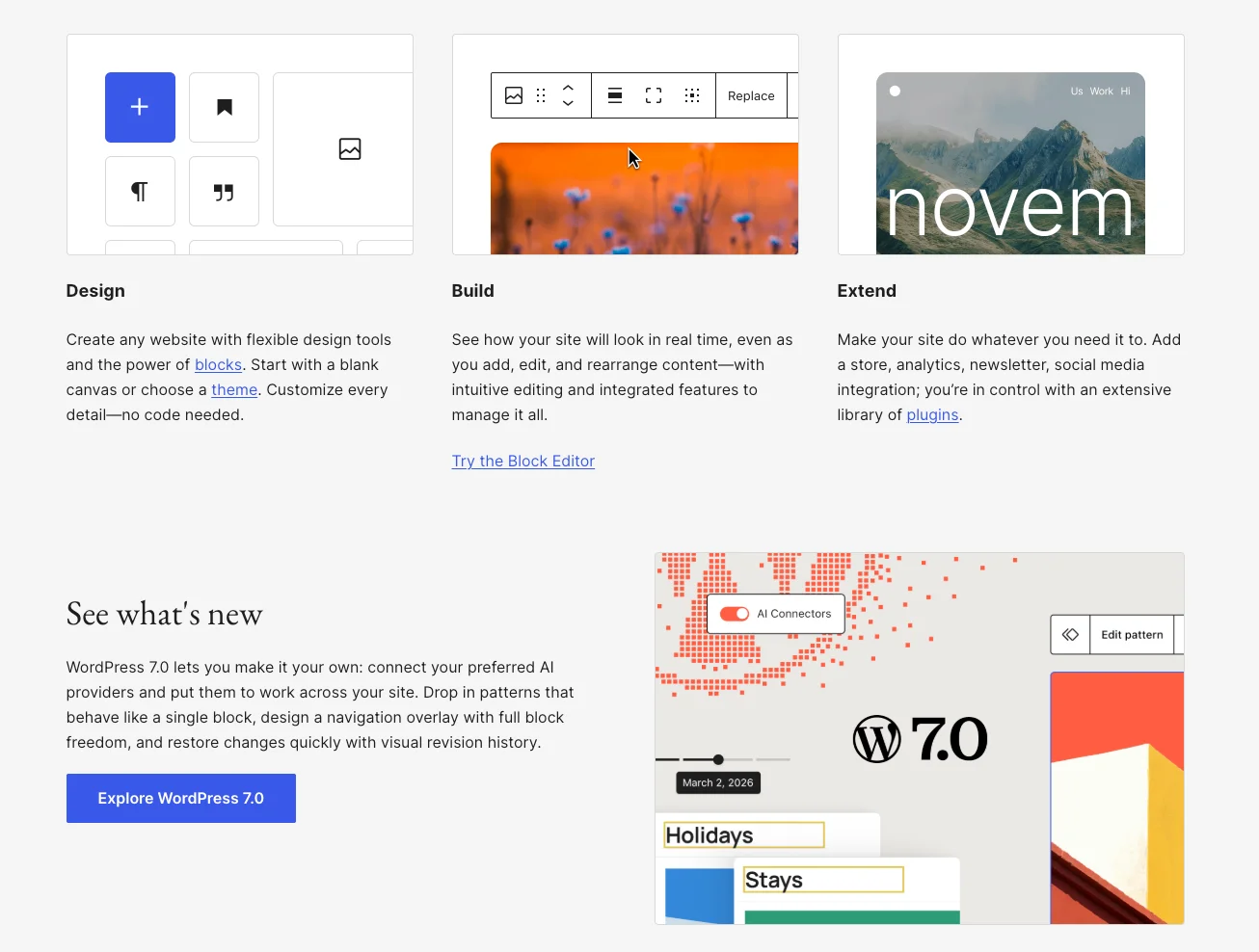
WordPress is the most widely used content management system in the world, powering 41.5% of all websites according to W3Techs. Simply by using plugins like WPML, your admins can translate pages, categories, posts, and themes.
Learn more about Localazy integration with WordPress
Drupal
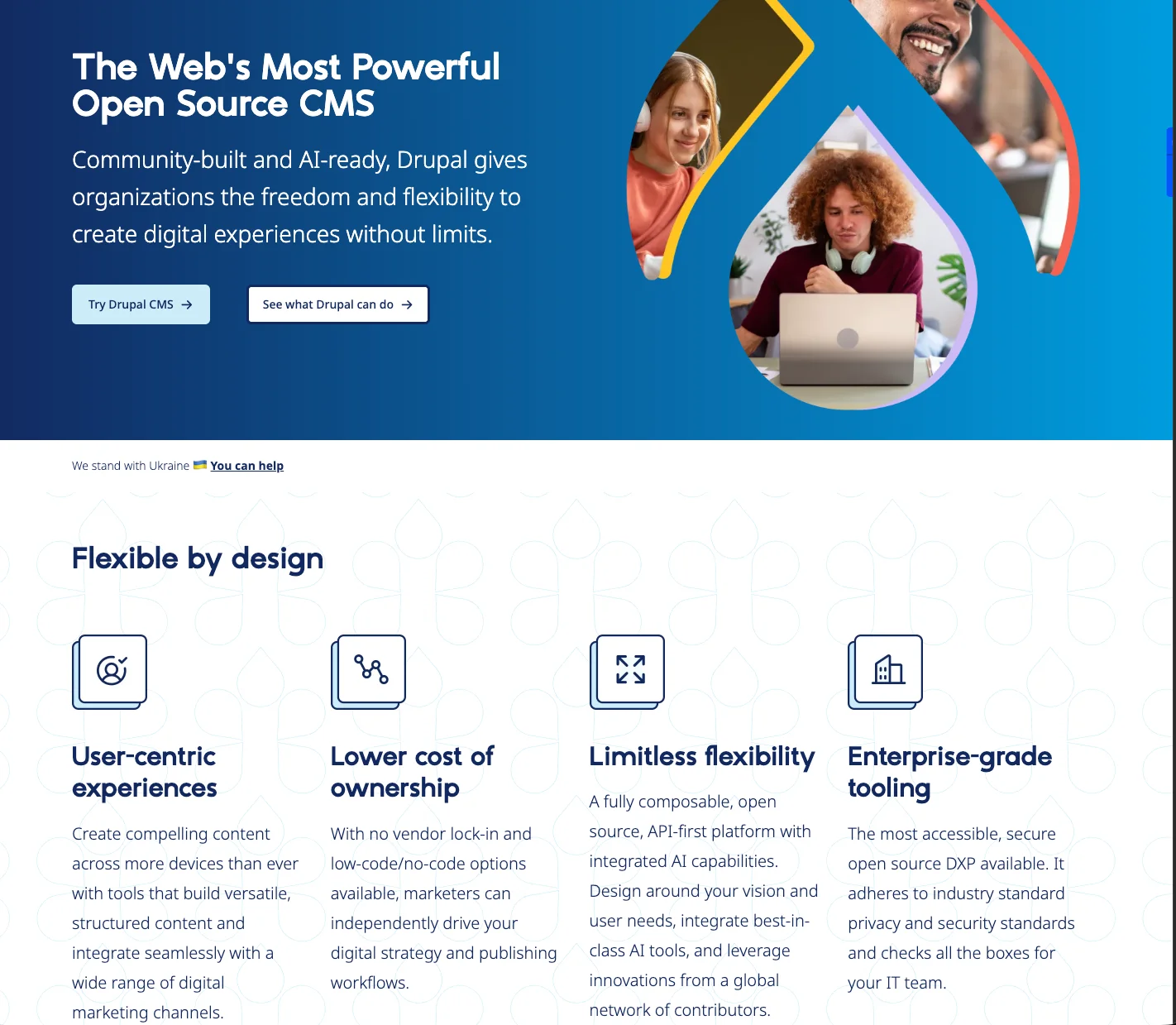
Drupal stands out for content creation flexibility, security, and performance, especially on large-scale sites. Its core "Content Translation" module handles multilingual content natively, and its translation management tools help in localizing your website reliably without extra plugins.
Craft CMS
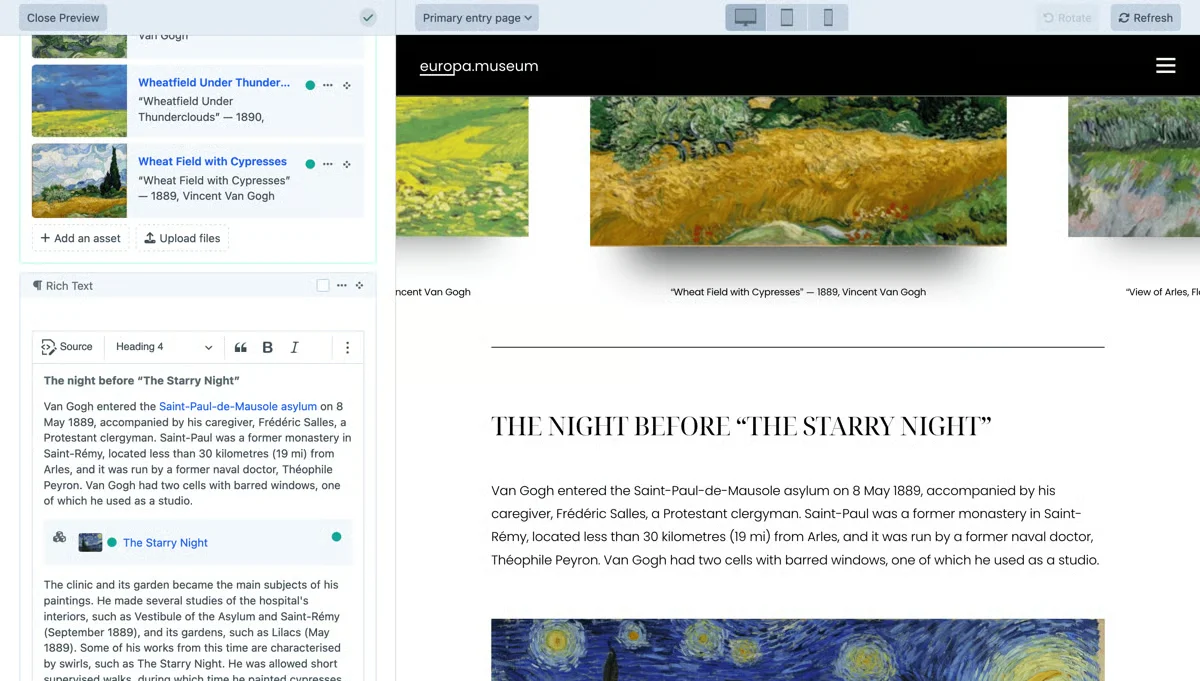
Craft lets you set up multiple localized sites to manage translated content without complicated software. Pairing Craft with the Localazy translation API makes it simple to send files out for translation and pull the translated versions straight back in.
Django CMS
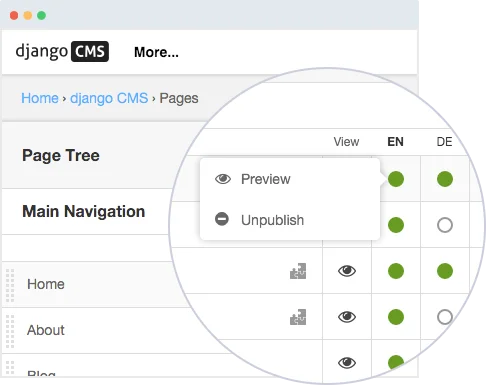
django CMS is best suited to large-scale projects. It has multilingual support that's flexible and can be configured to handle a wide range of requirements, and once you've set it up for multiple languages, it's ready to manage content across locales.
Typo3
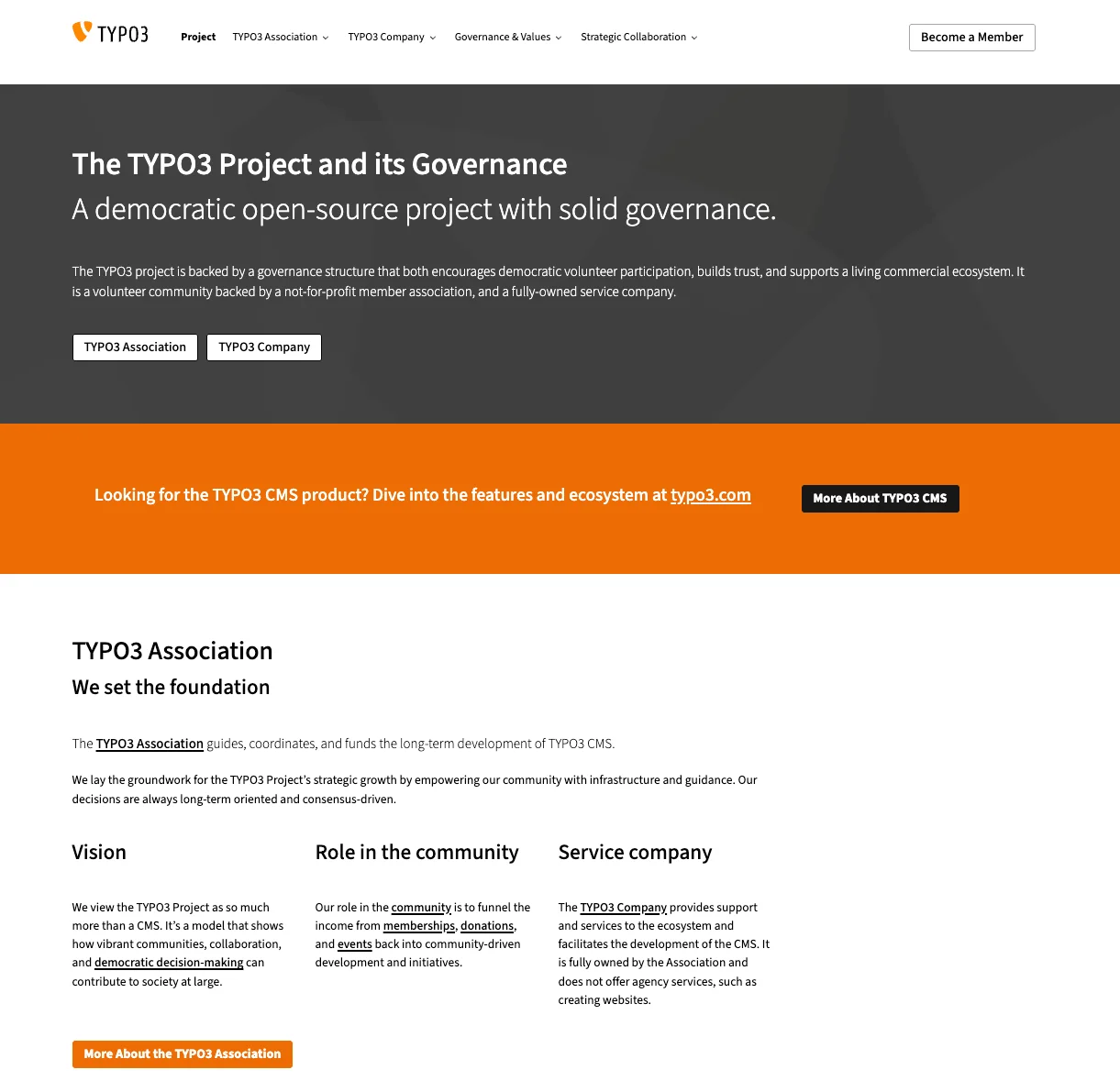
TYPO3 is a mature open-source CMS initially authored by Kasper Skårhøj in 1997. It remains one of the most feature-complete CMS platforms available, with a large codebase supporting virtually any type of website, including multilingual ones, at any level of customization.
🔌 Headless CMS
The way a CMS serves content to users has gone through changes overtime. Headless CMS stands as one variation of these changes. A headless CMS has no front-end for displaying content. It functions as a back-end to store and manage content and then presents it using an API. These CMS support specific plugins for multilingual content or can be translated by using the Localazy Translation API.
Let’s explore a few.
Strapi
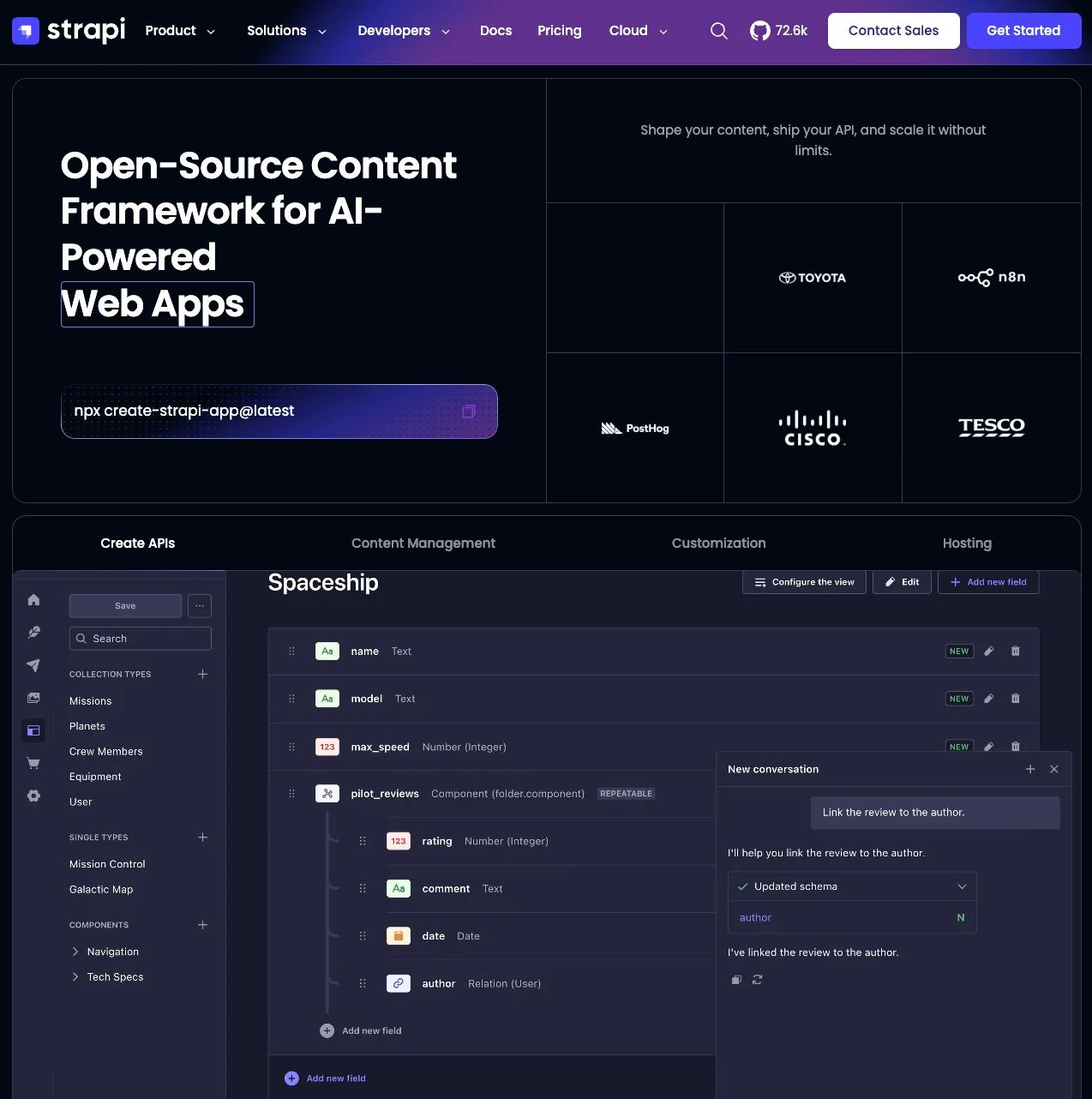
Strapi is a headless CMS founded in 2015 as a school project in Paris, France by three co-founders. It's grown considerably since as the project now counts over 72,000 GitHub stars and more than 20 million downloads, per Strapi's own 10th-anniversary announcement. The platform is open-source, giving developers full freedom to integrate their favorite tools and customize their projects.
Strapi 5 is the current major version as Strapi 4 reached end-of-life in April 2026, so new projects should build on v5. Internationalization support has also changed: i18n is now built directly into Strapi's core rather than shipping as a separate plugin, as it did in earlier versions. And with the Localazy plugin for Strapi, now supporting Strapi v5, you can translate your content intelligently through our services and push it into Strapi at a click of a button.
💡 Related read: How to automate the localization of your Strapi website with Localazy
Storyblok
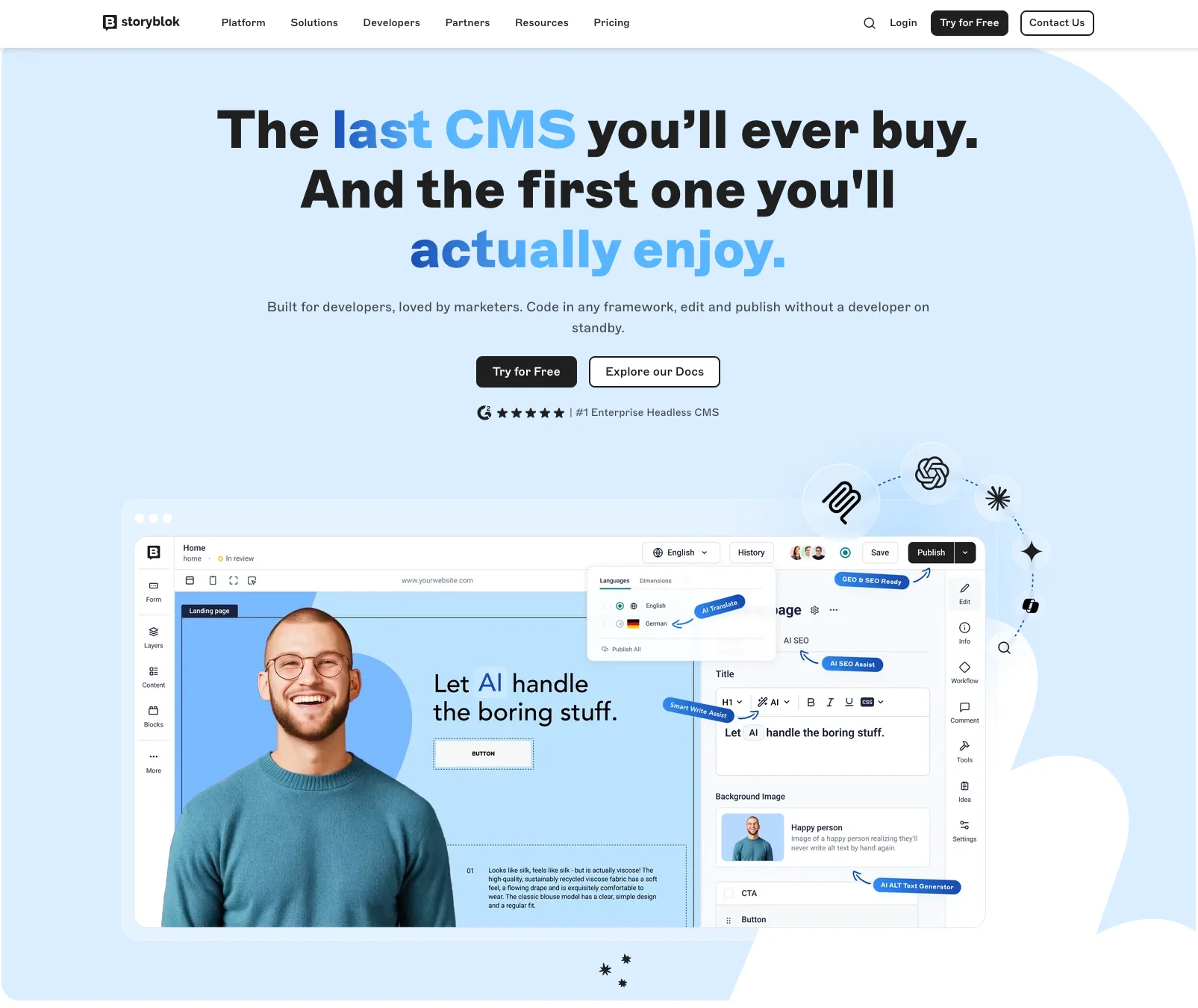
Storyblok is a headless CMS created with both developers and marketers in mind. Over 80,000 projects have been created with Storyblok, including ones from brands like Adidas, Pizza Hut, and Coca-Cola. Its visual editor lets content editors preview changes in real time, and it manages multilingual content through a single content tree.
👉 Related read: Managing multilingual content with Storyblok and Localazy
Contentful
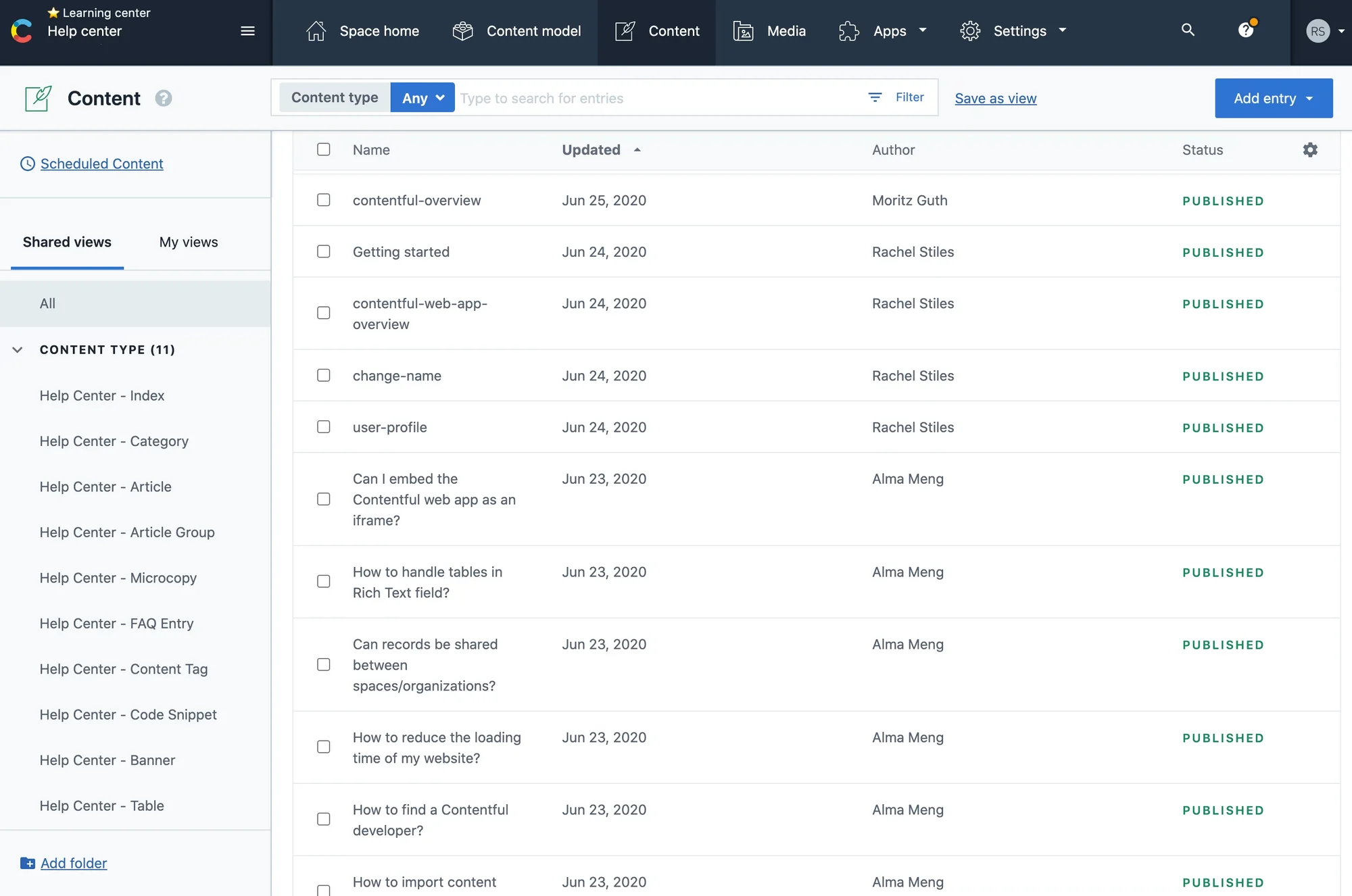
Contentful is a mature headless CMS with strong localization support built in. Locales are configured at the space level, and individual content fields can be marked as localizable. It also integrates with several third-party translation management systems, letting you manage content across multiple channels and languages with ease.
After selecting our content management system and starting to complete our website with fresh content, we should start localizing it. Translating a website into multiple languages accurately is no small task, but it doesn't have to be a daunting process either. I’ve broken it down into three easy steps. 😁
👉 The three steps to translate your website
Every CMS handles translated content a little differently. But regardless of platform, the goal is the same: readable, relevant content that speaks to your audience, because the lack of it is a common driver of higher bounce rates. Here's our three-step process for scalable, effective localization.
🔍 1. Strategize your localization process
Starting to translate your website content immediately without a proper localization strategy in place leads to wasted work.
Localization is about far more than word-for-word translation. As covered earlier, it's the adaptation of your messaging and offerings to fit the culture of each market. When building a localization strategy, all the distinct features of a culture are taken into consideration: social norms, language nuances, and symbols. 🔣
The best strategy is grounded in real data. Either data you already have on hand, or additional market research for your international expansion.
Layout is another factor that can shift dramatically across cultures. Take McDonald's: the company's US and Japanese websites take noticeably different approaches to page structure including different navigation, content density, and visual hierarchy matched to each market's expectations.
Here's how the layout changes between the US and Japanese versions of McDonald's site. 🎨
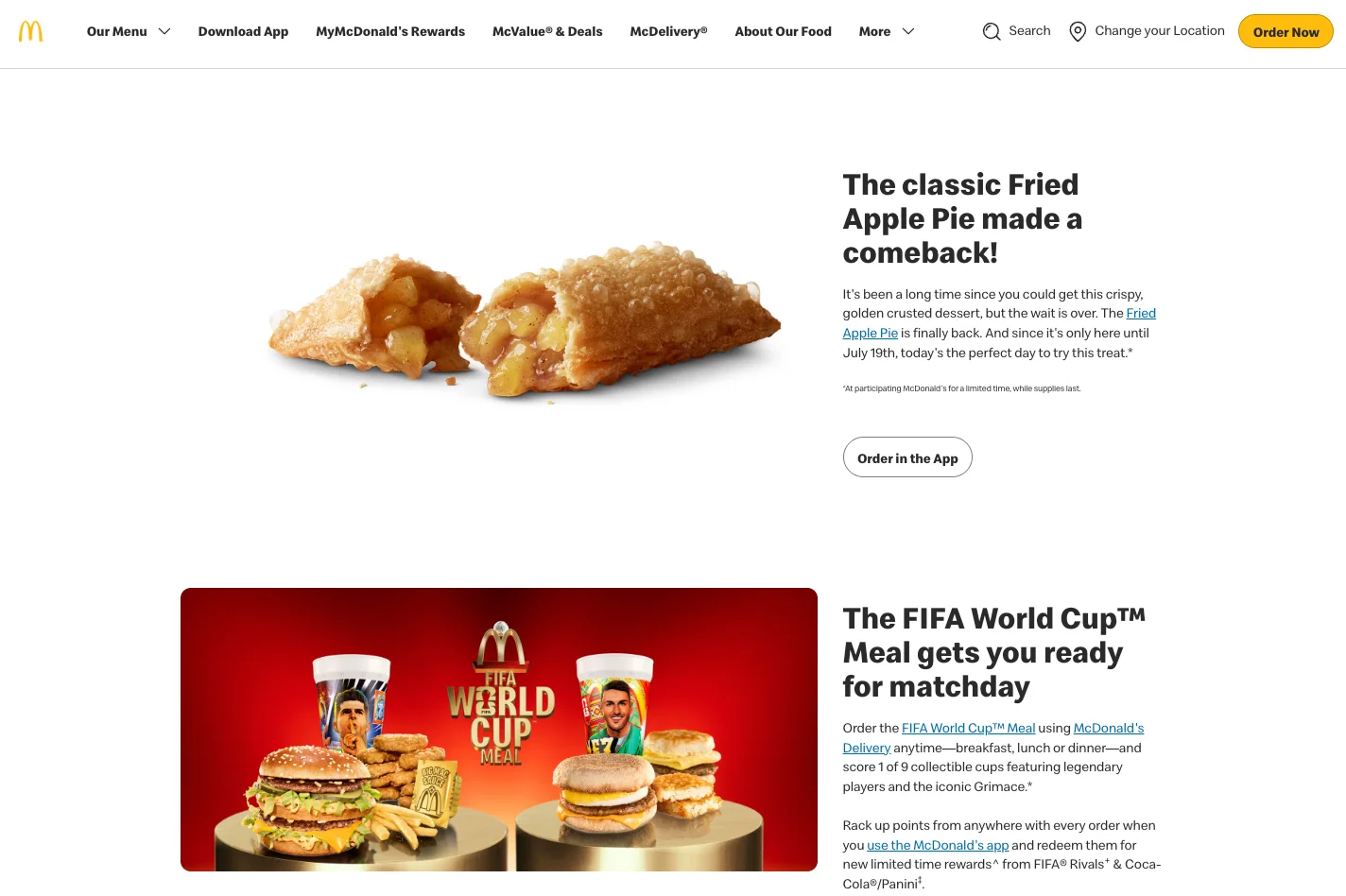
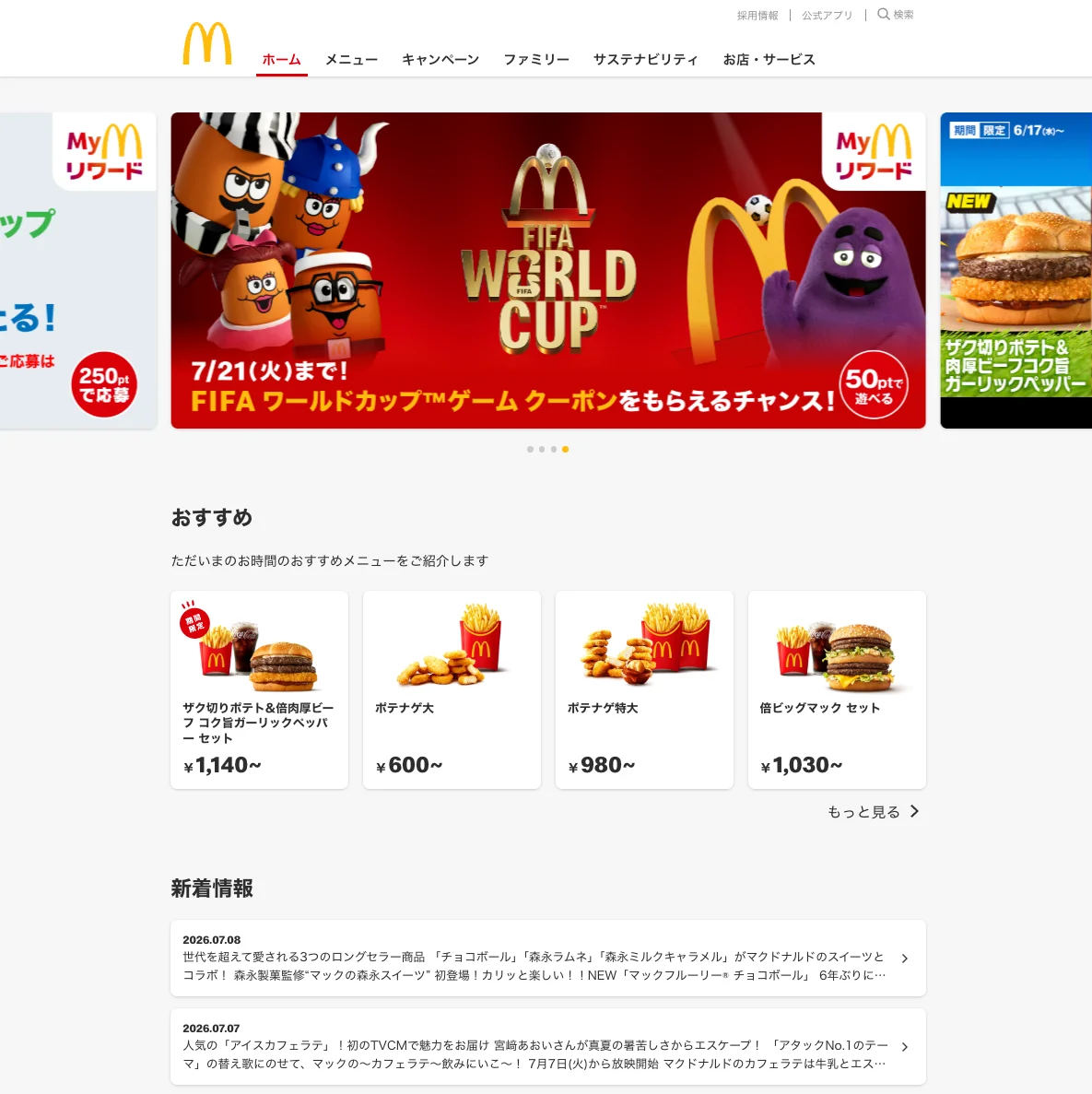
Elements that you should include in a localization strategy always depend on the behavioral data you’ll collect. Never ignore this data and tune your localization strategy constantly to refine the user experience.
🗃 2. Choose a translation management system
A translation management system (TMS) pairs automation with the right tooling to support both translators and developers throughout the localization process. It cuts down manual work, keeps tasks organized, and lets you track project progress in one place. 📊
The main objective is an increase in productivity and efficiency while cutting down the time spent switching between apps, contacting people, and transferring data.
All translation management system tools, Localazy included, should share three core features:
- CAT (Computer-Aided Translation) capabilities to help you translate your content 💻
- CMS integrations and workflow automation to minimize manual file exchange 🔁
- Central project administration and management (all translation needs in one place) 🗃️
These systems scale from solo projects to large teams. Some offer a lean feature set; most pack in enough power to make localization manageable at any team size.
💡 Related read: Localazy as the best tool for translation automation
🔁 3. Translate, localize, repeat
Once you've picked a TMS, it's time to prepare content for your target markets and languages. Two of the most common ways to teams organize this proces are:
- Waterfall localization → translated content goes into the website only after the page is published.
- Agile localization → translated content is added alongside the development process, as it happens.
Agile localization is generally the more efficient approach for ongoing updates and continuous localization. However, you're walking on thin ice with this approach because small mistakes will affect the site almost immediately so you should be ready to fix them as they surface.
The core steps are the same across most projects:
🌐 Prepare the integration
Once you've settled on a TMS, prepare your project files for translation and upload them, or connect your website via an API, CLI, or a localization plugin if one's available.
At Localazy, every tool is built with developers in mind. The Localazy CLI lets developers upload and download localizable content quickly and reliably, with full access to every feature. And if you need more, integrations cover the rest.
🤼♂️ Invite your team
Invite reviewers and translators into the project workspace so that you can discuss and work on the project. It’s time to bring everyone together: translators, proofreaders, editors, and developers. Localazy handles the coordination so you're not managing an external team of language specialists solo.
You can outsource this process through human translation services. Localazy offers a range of localization services including human-assisted machine translation, professional translation from scratch, or a review pass on crowd-sourced translations.
With Localazy, you get to focus on what can't be automated. 💪
🆙 Localize and update
Once translations are ready, push them to your website as soon as possible, the longer they sit, the more your source content can drift out of sync.
Make sure files are properly updated with the new translated content, and don't skip a check of how it actually renders: some languages expand well beyond their English source (German and Dutch can run 35% longer, for instance), which can break layouts that looked fine in testing.
A quick pass of localization testing before you call it done catches most of these issues early.
☑️ Best localization and translation tools to complete your kit
Choosing a translation management service is important, and it requires a bit of research. We’ve saved hours of searching and listed here five of the most used translation and localization tools to complete your localization kit.
🔷 Lokalise
Lokalise has been in the market for close to a decade, with customers including Mastercard, Toyota, HP, and Notion. Real-time translation, project chats, and inline translation suggestions remain three of its most-used features.
How does Lokalise compare to Localazy?
🔷 Phrase
Phrase covers the core tools needed for software localization and multilingual content management. Its pricing has shifted significantly toward larger teams, entry-level self-serve plans start in the hundreds of dollars per month, with most business tiers requiring a sales conversation. Worth checking their current pricing page directly, since it's changed more than once recently.
How does Phrase compare to Localazy?
🔷 Locize
Founded by the creators of i18next, Locize offers a translation management toolset built for teams and solo developers alike. It supports machine translation alongside professional translation, and its InContext editor lets you translate directly from your browser.
How does Locize compare to Localazy?
🔷 Transifex
Reputable companies have used Transifex for translation and localization. The platform offers tools for support staff and designers alongside developer integrations. Worth noting: Transifex was acquired by XTM International in early 2025, so it now operates as part of the larger XTM group rather than as an independent company.
How does Transifex compare to Localazy?
🔷 Localazy
Localazy is a highly automated localization platform built around a powerful Translation API, a developer-friendly CLI, and native plugins for CMS platforms like Strapi, Storyblok, and Webflow. Localazy AI handles first-draft translations using your project's own glossary and style guide, so output stays on-brand instead of generic, and CI/CD integration means new content gets picked up and translated automatically as you ship.
Companies across finance, e-commerce, and education run their localization through Localazy. From Mindnow, delivering multilingual digital banking for Swiss families in German, Italian, French, and English, to Digismoothie, whose Shopify apps now run in 10+ languages with fully automatic sync. ROUVY leans on Localazy at serious scale: over the past three years, its Localazy-powered CDN has handled 1.6 billion+ requests and delivered 12+ terabytes of localized data to riders worldwide.
Localization tools have a reputation for clunky interfaces built for developers and no one else. Localazy is built so your content manager can jump in too with no separate onboarding required for them.
To start, you get 200 free source keys to translate your product's content, with access to core integrations, all supported file formats, and unlimited machine translation suggestions from day one.
Our pricing policy is transparent. Every plan and feature is laid out for you to see, with no per-seat charges or surprise invoices.
👉 See how other teams are using Localazy in our customer case studies
✔️ Conclusion
I hope you're ready to start localizing your website now. It's a bigger undertaking than most teams expect going in, but it doesn't have to be overwhelming if you approach it in order: get your strategy straight, pick a CMS and TMS that actually fit your needs, then translate and keep iterating as you grow.
And if you decide to go with Localazy, a process that might have seemed daunting becomes a lot more manageable. Automation handles the repetitive parts, so your team can focus on getting the details right for each market.
💙 Sign up for free and start localizing today, and if you ever need a hand, our support team is here for you anytime at team@localazy.com or on the chat toggle on the right of your screen.