Control the i18n processfrom your command line
i18n no longer needs to be a hassle. Integrate your project easily with Localazy's powerful CLI, API, and mobile SDK. Say goodbye to the pains of translation updates forever.
Seamless Integration.
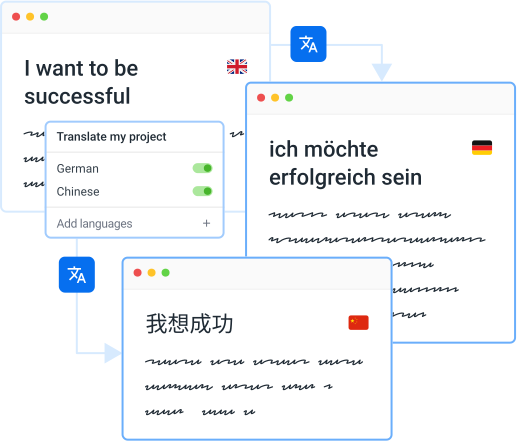
Powerful and Efficient Localization Platform
Follow our integration guides to get started quickly. Automate your localization delivery with CDN and never be disturbed again when translations need updating. Localazy can handle everything for you and your team.
Get your project translated or reviewed by professional native speakers directly inside the platform.
Read articleLocalization team on autopilotNo need to manage an entire localization team
Integrate with your stack50+ integrations and growing
Faster international growthAgile localization platform that puts you in control
Setup & forget solutionEasy CI/CD integration + translation delivery options
Easy to start and usePowerful CLI for devs & intuitive UI for the rest
AI translation & post-editing
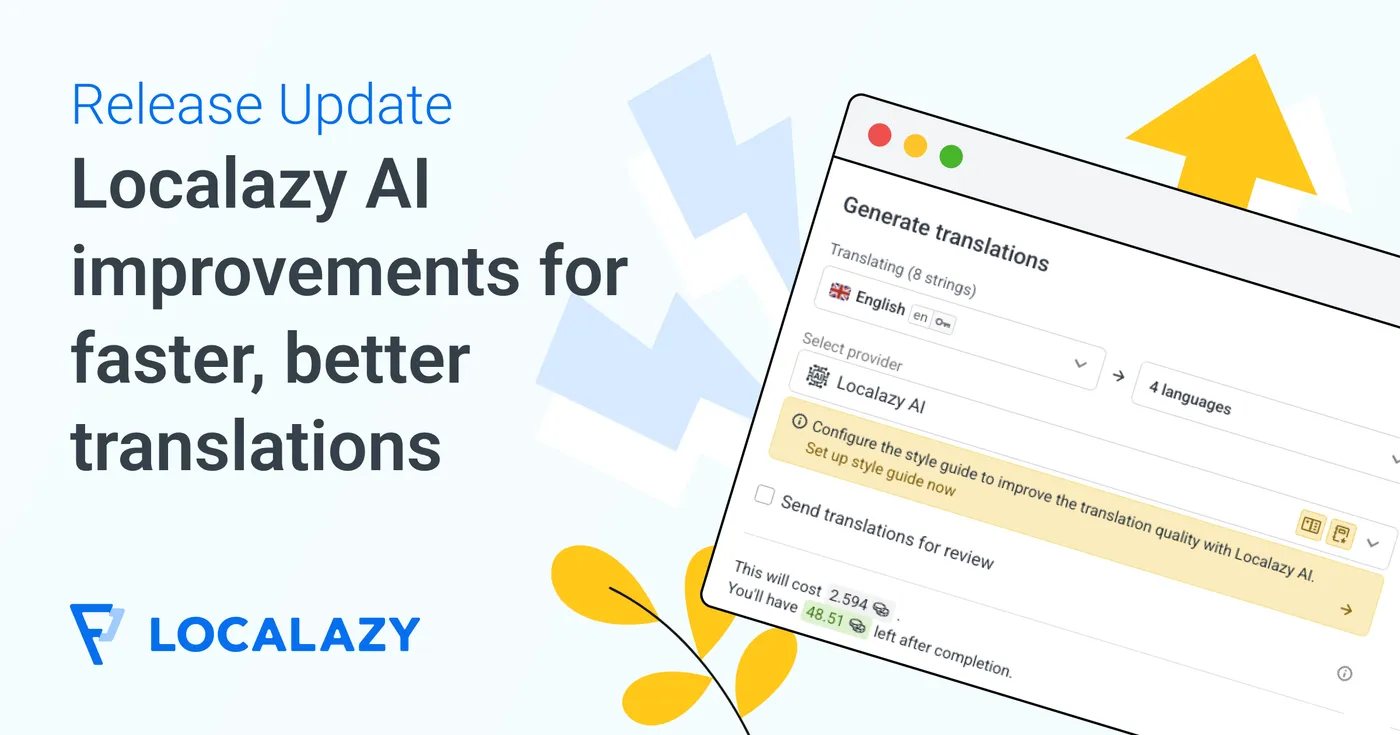
Achieve faster translations and better quality with Localazy AI, and professional human reviewers on the platform!
Multilingual marketing tools
Translate your marketing copy, app store descriptions, meta content and other texts with Localazy for maximum effectivity.
Advanced dev tools
Work with the powerful CLI tool, variety of CI/CD options, SDKs, libraries, and more for a great developer experience!
Proactive quality assurance
Spend time with your code and forget about translations. Localazy is here to keep track so you can have a peaceful mind.
Stop guessing with shared memory
Share your own approved translations and get proven translations from thousands of other Localazy projects in return.
 Starting with Localazy
Upload your texts
Upload your content in one of the supported file formats, connect your favorite CMS or use our developer-friendly CLI to automate the process.
Explore Localazy
01
Translation Interface
02
Pro-active Reviews
03
Glossary of Terms
04
User Management
05
Context Tools
06
File Management